

01Direction
Start from a clear visual world
Use one brief, style, and reference set to define the atmosphere before branching into channel assets.

AI campaign visuals / social media
Build a master creative, explore useful variants, and carry the approved direction into square posts, stories, banners, and paid-social assets without treating every format as a separate prompt.
Designed for campaign concepting and visual production. Final copy, claims, and channel compliance remain part of your review.

Build a campaign system
Campaign throughput is useful only when the work still feels connected. PiPiPix keeps the creative direction, variation, and review process inside one visual project.
Use one brief, style, and reference set to define the atmosphere before branching into channel assets.
Generate a focused set of compositions for review instead of accumulating unrelated one-off outputs.
Adopt the strongest results and keep the finished assets attached to the project and available in Library.
Master creative to channel system
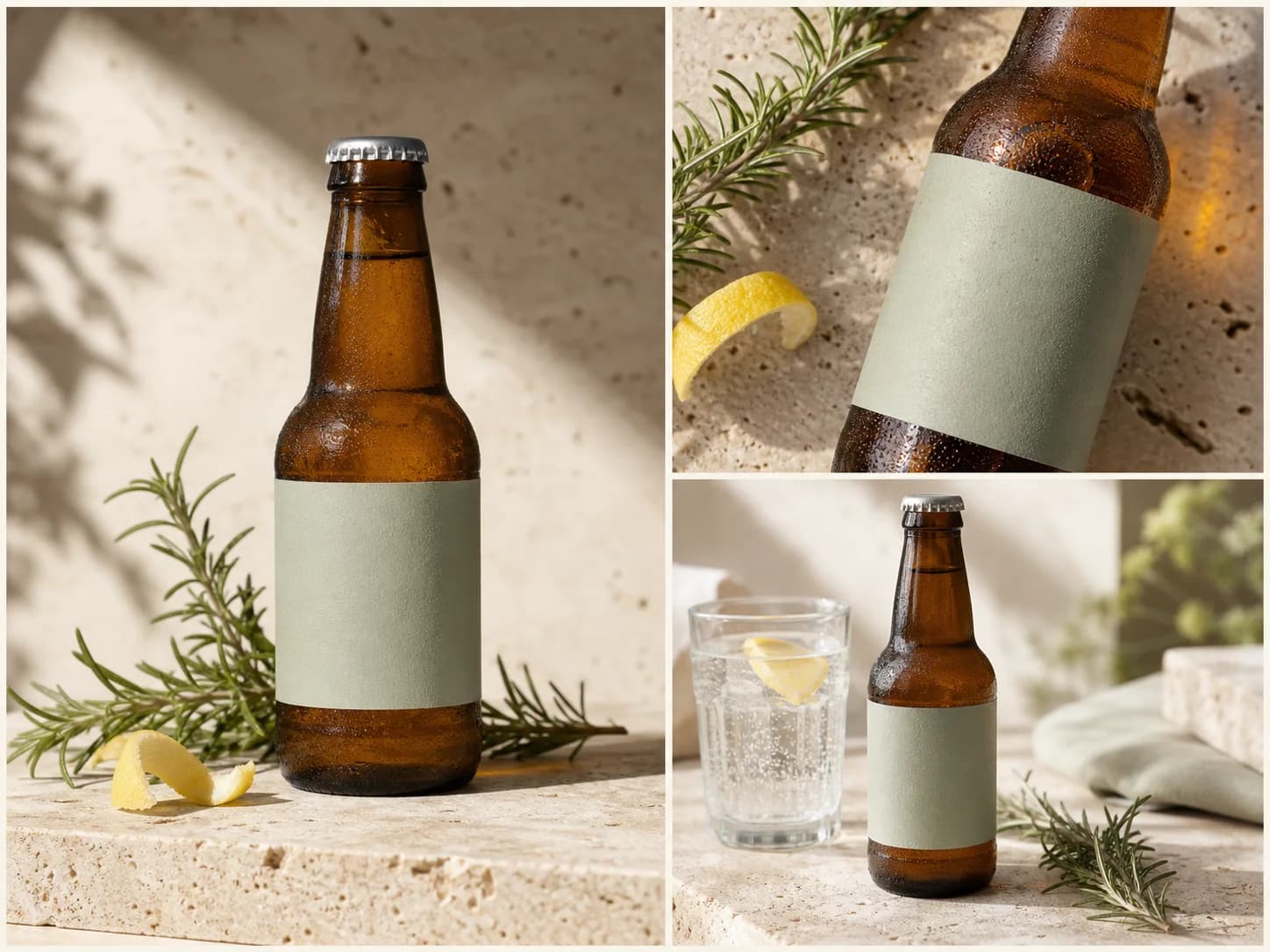
Different placements need different framing. The goal is not to force one crop everywhere, but to preserve the product, atmosphere, palette, and visual priority as the canvas changes.
Choose the composition that best represents the campaign before producing format-specific alternatives.
Use square or portrait compositions that keep the subject and primary visual cue clear in a feed.
Build a taller composition with room for channel-native copy or motion planning outside the generated image.
A reviewable campaign workflow
Separate direction-setting from variation and delivery so the team can review the right decision at the right moment.
Set the audience, visual objective, subject, mood, and references before generating the master direction.
Generate a focused set of hero compositions and choose the one that carries the idea most clearly.
Branch from the approved direction into alternative framing, detail, and channel-shaped compositions.
Adopt the strongest assets, check copy and channel requirements, then download the approved set.
Built for recurring campaign pressure
Keep each use case distinct from pre-production storyboards: this page focuses on finished campaign visuals and channel delivery.
Create the campaign master, supporting product moments, and social crops around one launch direction.
Produce a controlled set of visual variants for human review before copy, targeting, and media decisions.
Carry an approved subject into a seasonal setting while keeping palette and visual hierarchy coherent.
Clear answers for campaign teams
It is a visual production workflow that turns a campaign brief, references, and format choices into images for social placements. PiPiPix keeps those outputs together for comparison, adoption, and download.
Yes. You can set the aspect ratio for the placement and create separate square, portrait, story, or landscape compositions instead of relying on one automatic crop.
Shared direction and references improve coherence, but generated details can vary. Review subjects, colors, logos, text, product details, and claims before delivery.
Campaign visuals focus on channel-ready marketing assets. Storyboards focus on connected still frames used to plan sequence, continuity, and visual decisions before production.
Give every channel the same campaign idea
Start with one direction, review the variants together, and keep approved campaign assets ready for delivery.