 RC / 01
01Commerce job entries
Content recipes
Listing packs, lifestyle sets, ads, batch, and Personas—each maps to a real Workspace path.
Browse recipes
Starter library
Start with a proven setup
Ein-Klick-Rezepte: Prompts, Styles und Modi bereits für echte Jobs verdrahtet.
Defaults are editable. Credits only apply after a successful image.
Catalog
Each library solves a different blank-page problem. Open the one that matches the job—then customize before you generate.
RC / 01Listing packs, lifestyle sets, ads, batch, and Personas—each maps to a real Workspace path.
Browse recipes ST / 02
Same catalog as Workspace → Marketplace → Style. Filter by category and market look, then clone into Brand Kit.
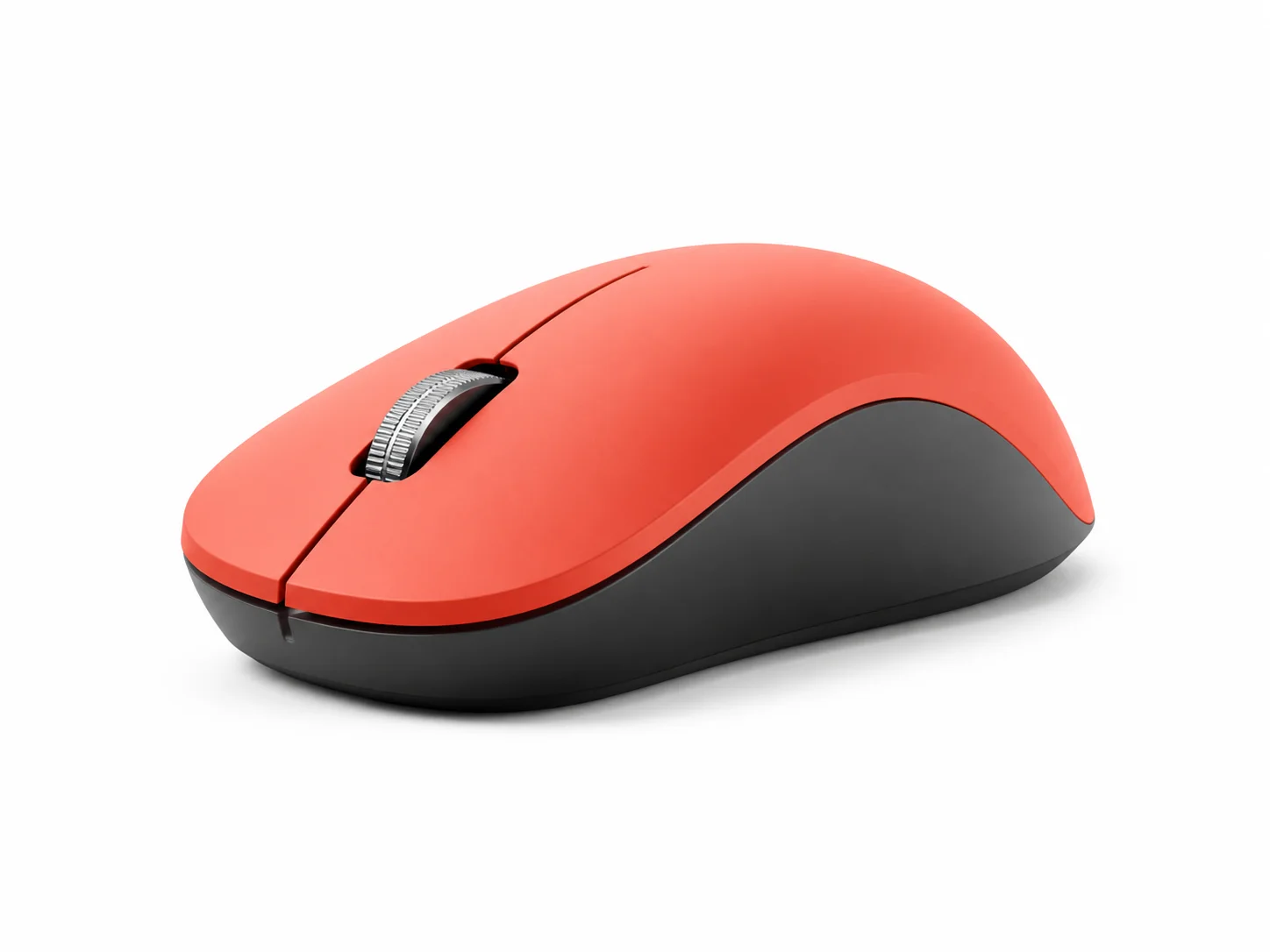
Browse style packs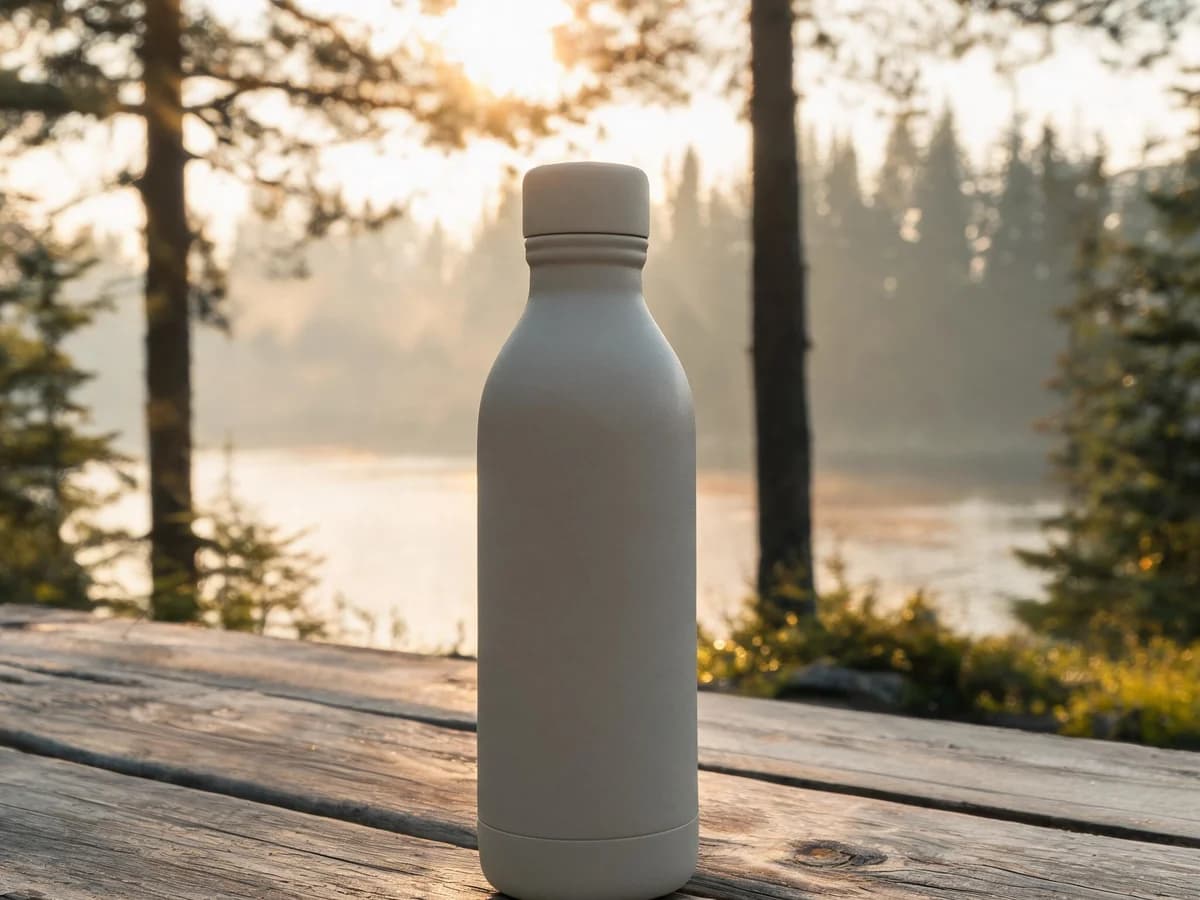 SC / 03
Studio, home, outdoors, detail, and social environments for commerce packs—product stays the hero.
Browse scenes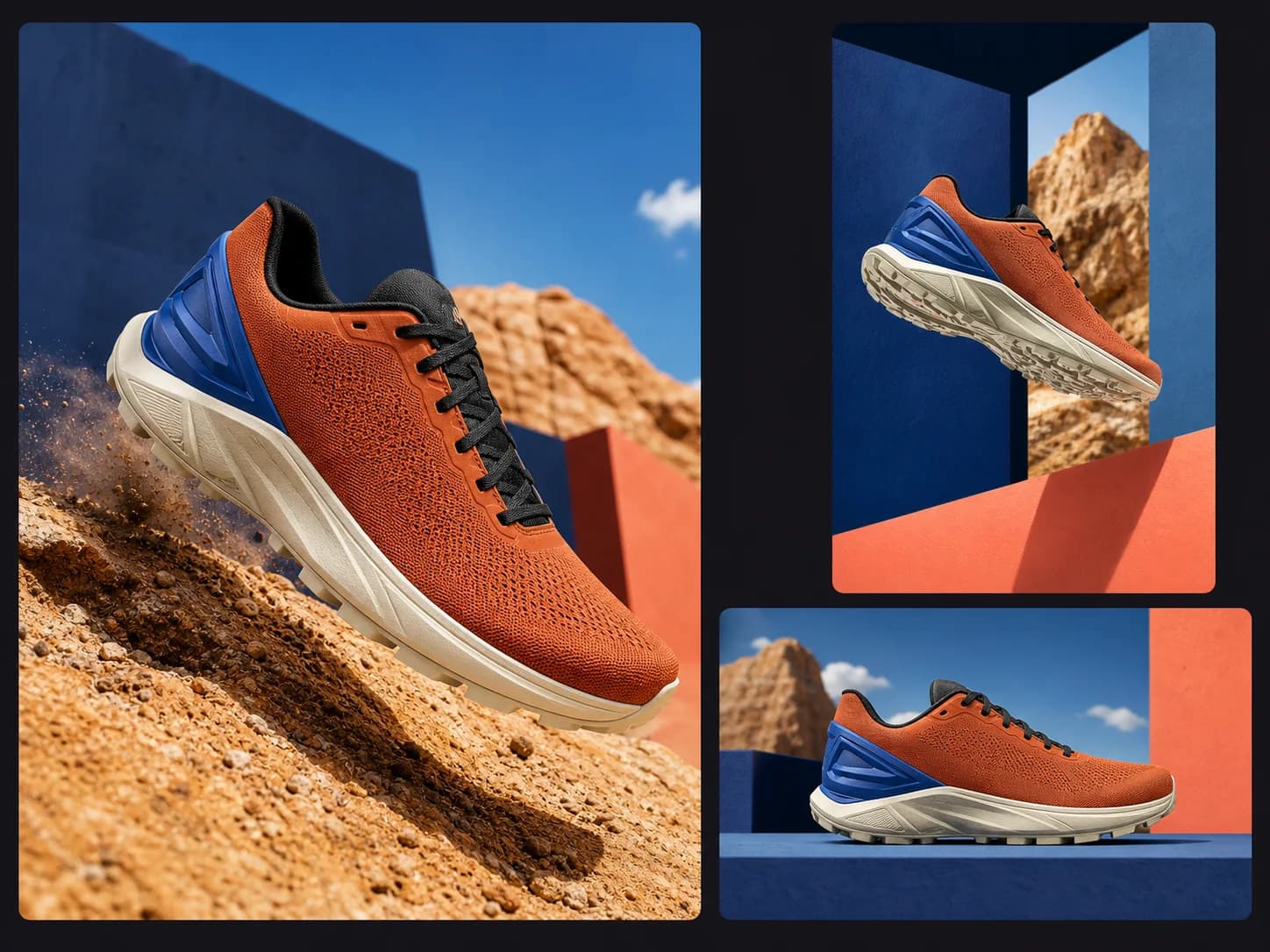 PK / 04
Browse packaged workflows, prompts, and templates, then install and adapt them in your Workspace.
Browse packsHow to choose
Not sure where to click? Use this short guide—then jump straight into the right library.
Start with a workflow recipe when you want prompt + style + mode filled in for a known job.
Workflows →Use scene presets inside a commerce pack to set studio or lifestyle environments per slot.
Scenes →Clone a Platform Persona into My Personas, then attach it on a Product so on-model packs stay on-identity.
Personas →A style is art direction only. A workflow template also pre-fills prompt, mode, and aspect ratio so you can start generating sooner.
Scenes are product environments for listing kits. Personas are brand faces for on-model packs—clone them before reuse so shops don’t share the same faces.
No. They only pre-fill the next step. You still sign in, and credits apply per successful generation.
Yes. For example: install a style pack, then later attach a Persona on a Product—or choose scenes inside a commerce pack.
Ready to make
Have a starter in mind—or jump straight into the workspace and pick settings there.