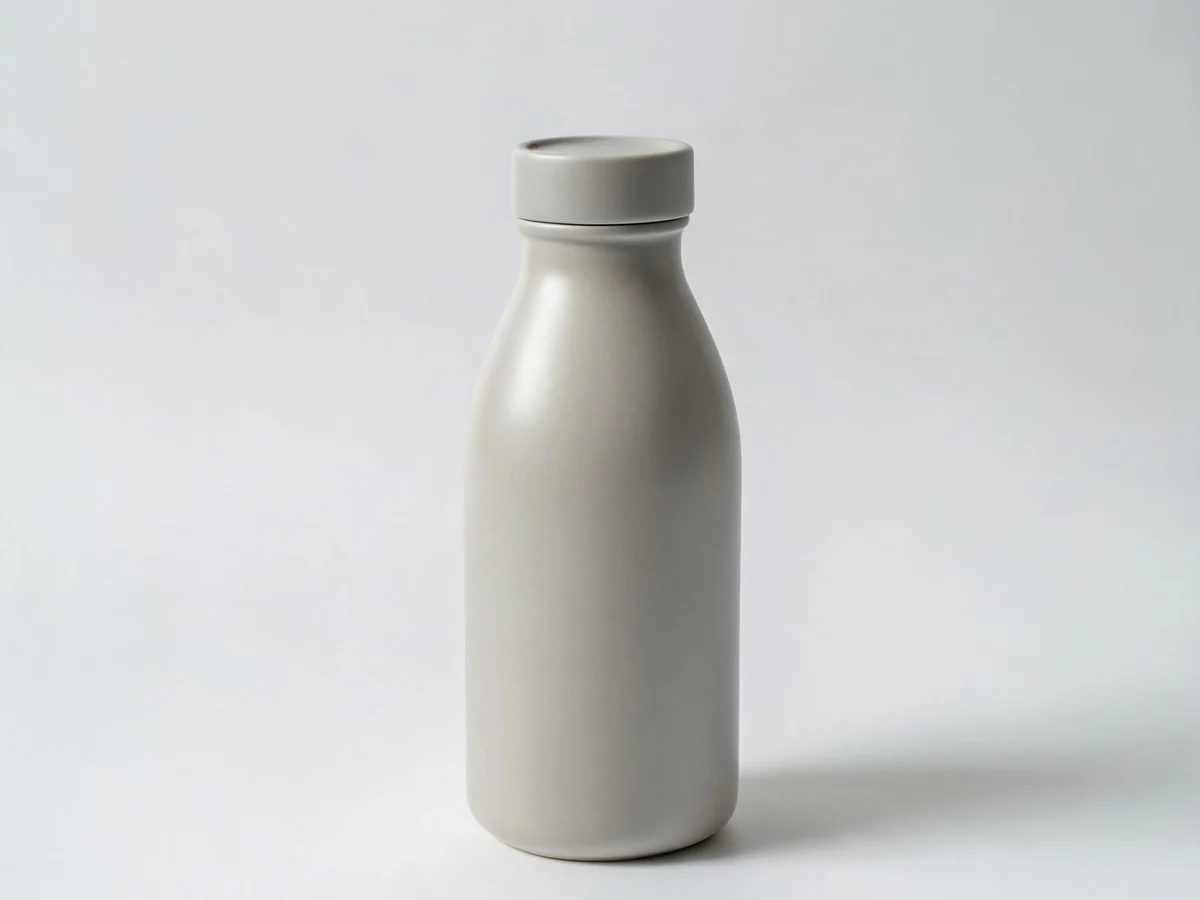
Minimal studio
Neutral premium studio backdrop.
Use in pack
Ready-made backgrounds for listing kits: studio, lifestyle rooms, outdoors, detail close-ups, and social moments. Pick a scene to open the commerce pack with that slot pre-selected.
Filter by category or search. Each card shows the look you will apply to a listing kit slot.
Use the scene in the basic listing kit. You can still swap scenes per slot before generating.
Upload your product and run the pack. Scenes set the environment; your product stays the hero.
14 presets—filter by category, then open any card in the listing kit wizard.
Neutral premium studio backdrop.
Use in pack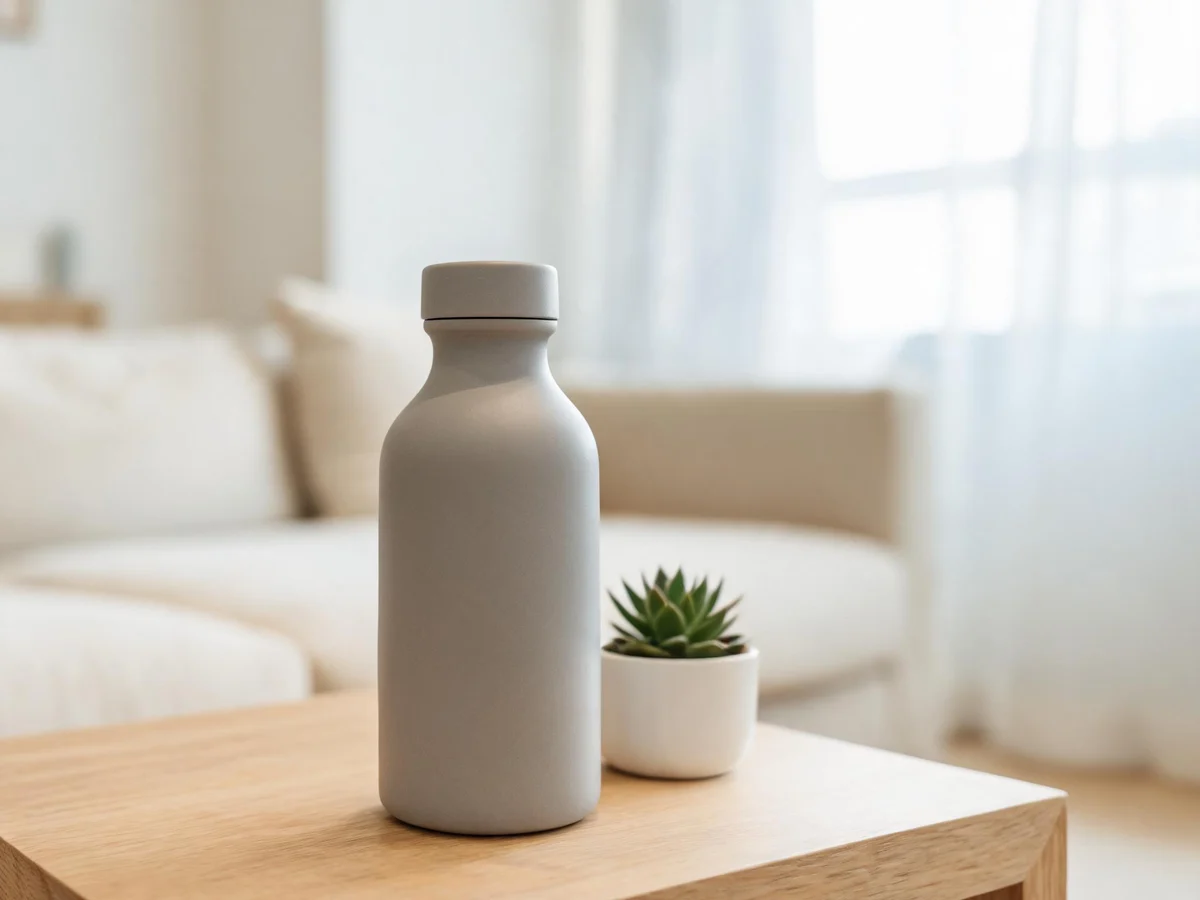
Bright home interior with soft daylight.
Use in pack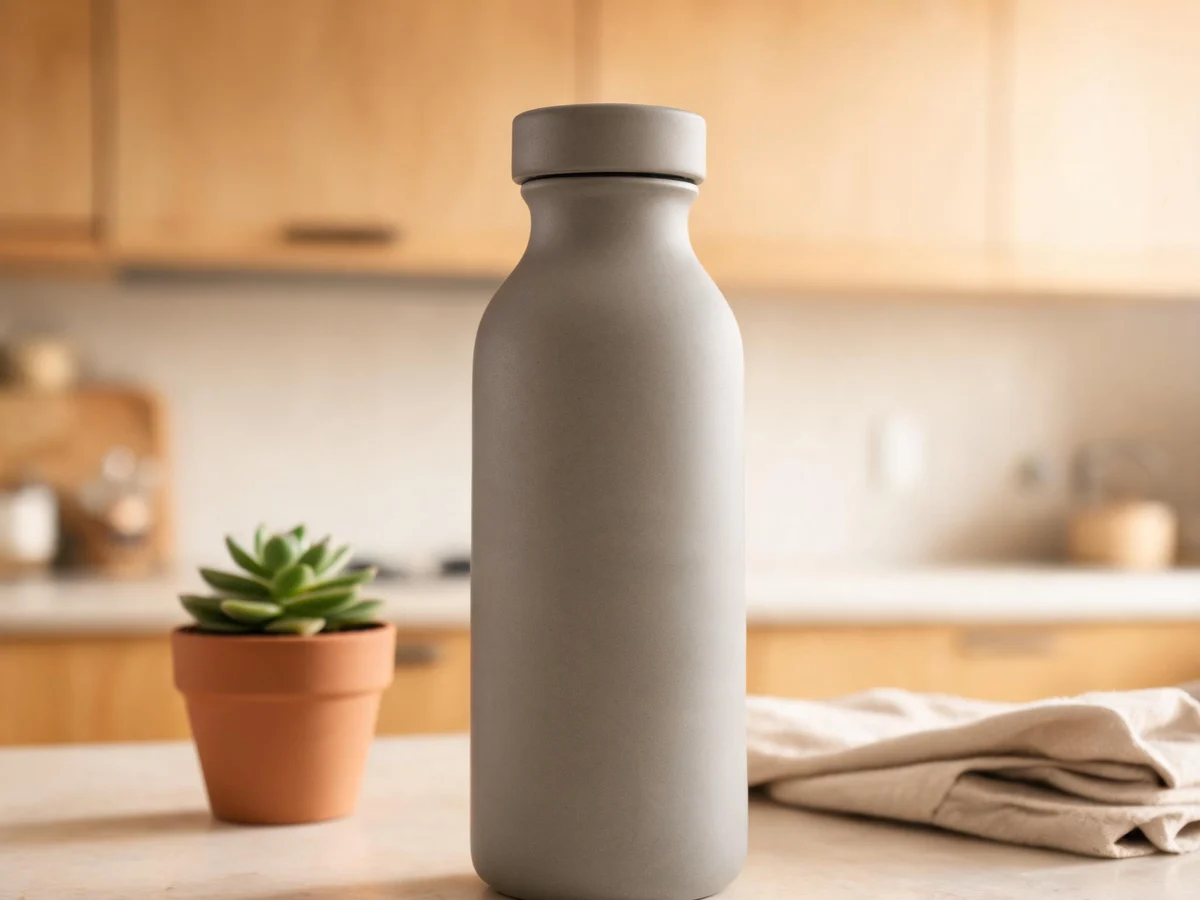
Clean kitchen surface with warm ambient light.
Use in pack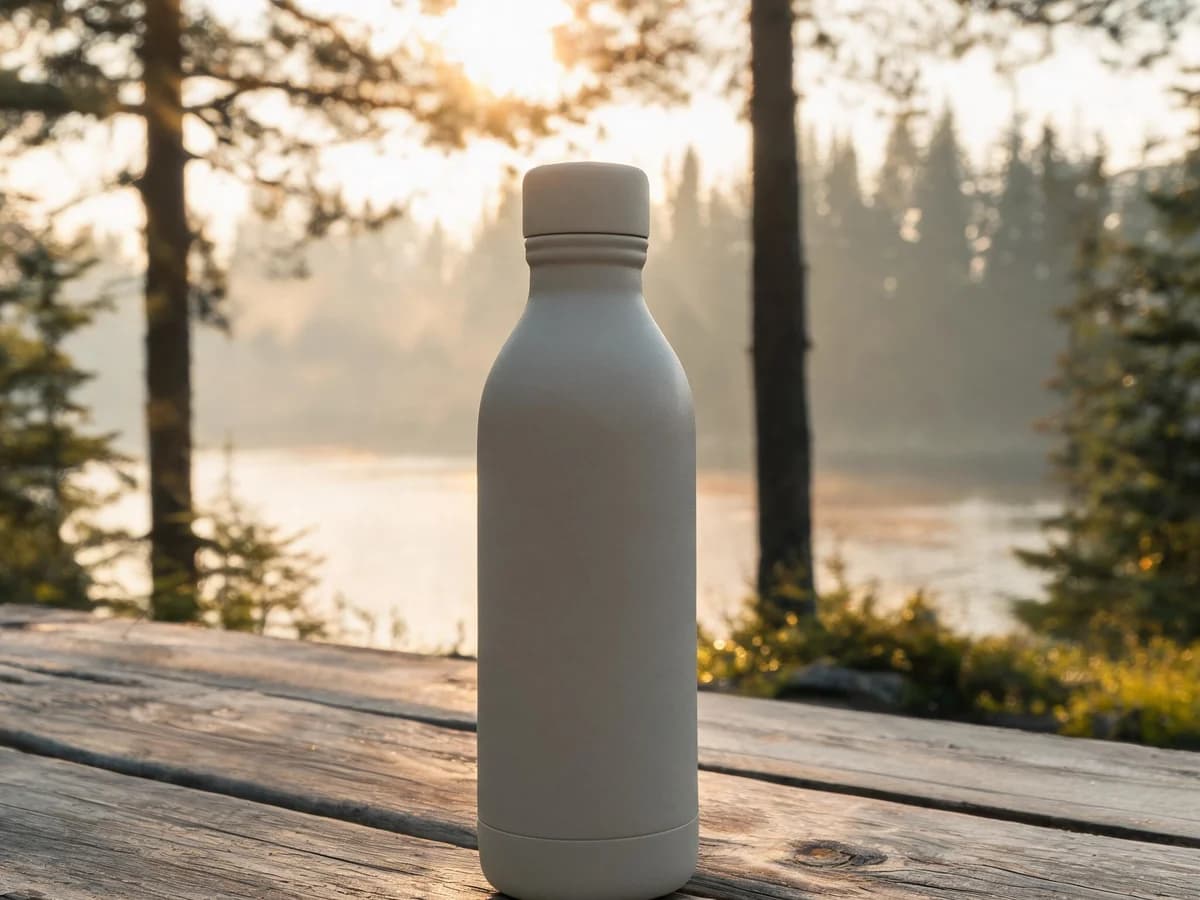
Premium pine forest or lakeside camping scene with natural light.
Use in pack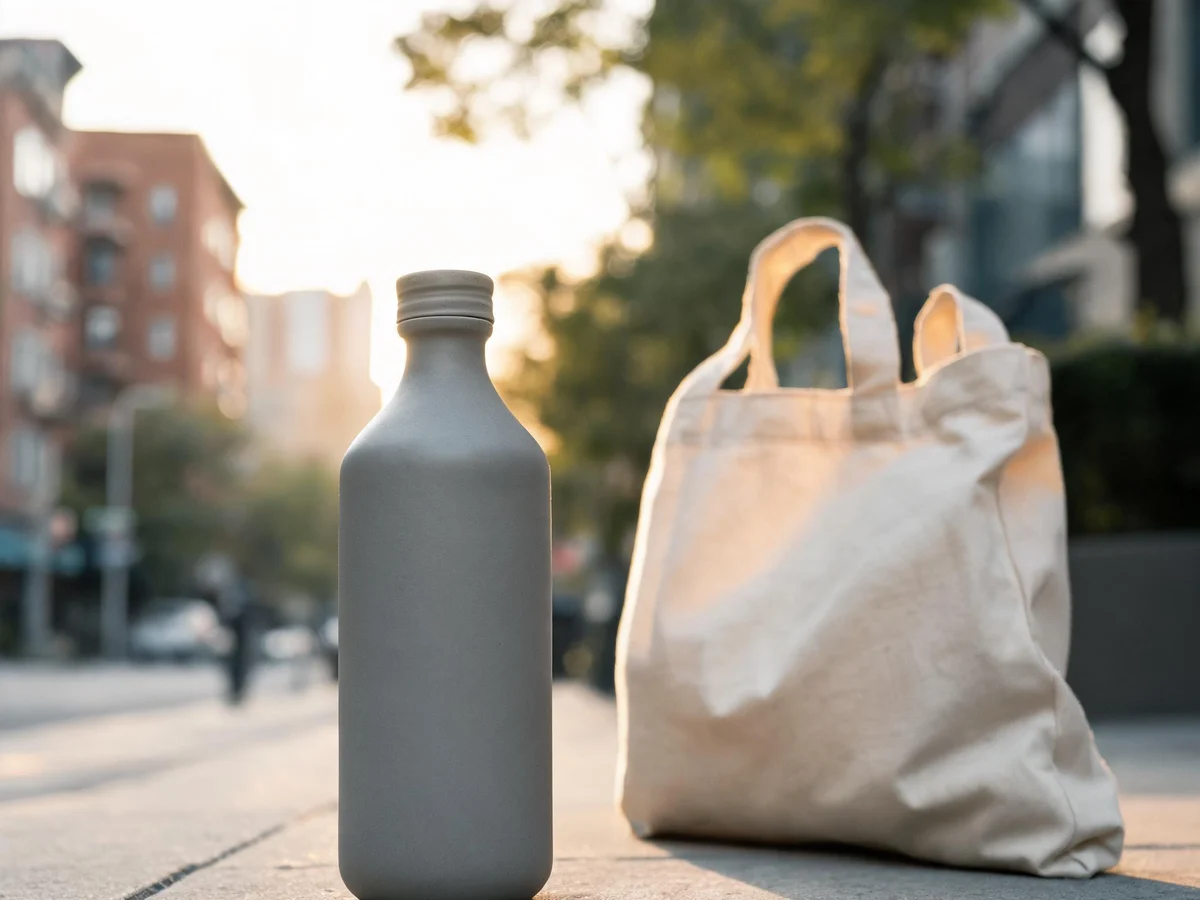
Clean everyday city setting with a tote or backpack.
Use in pack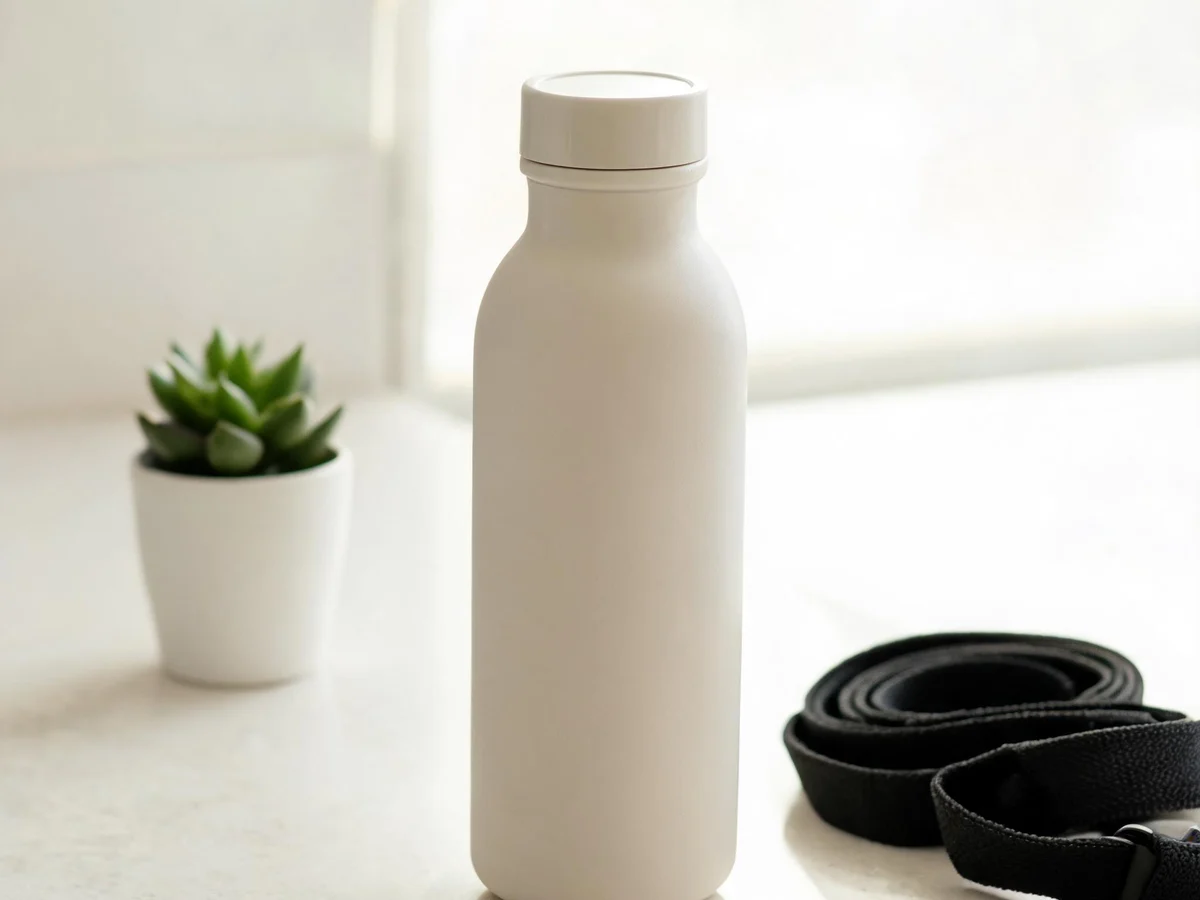
Bright active setting with restrained fitness accents.
Use in pack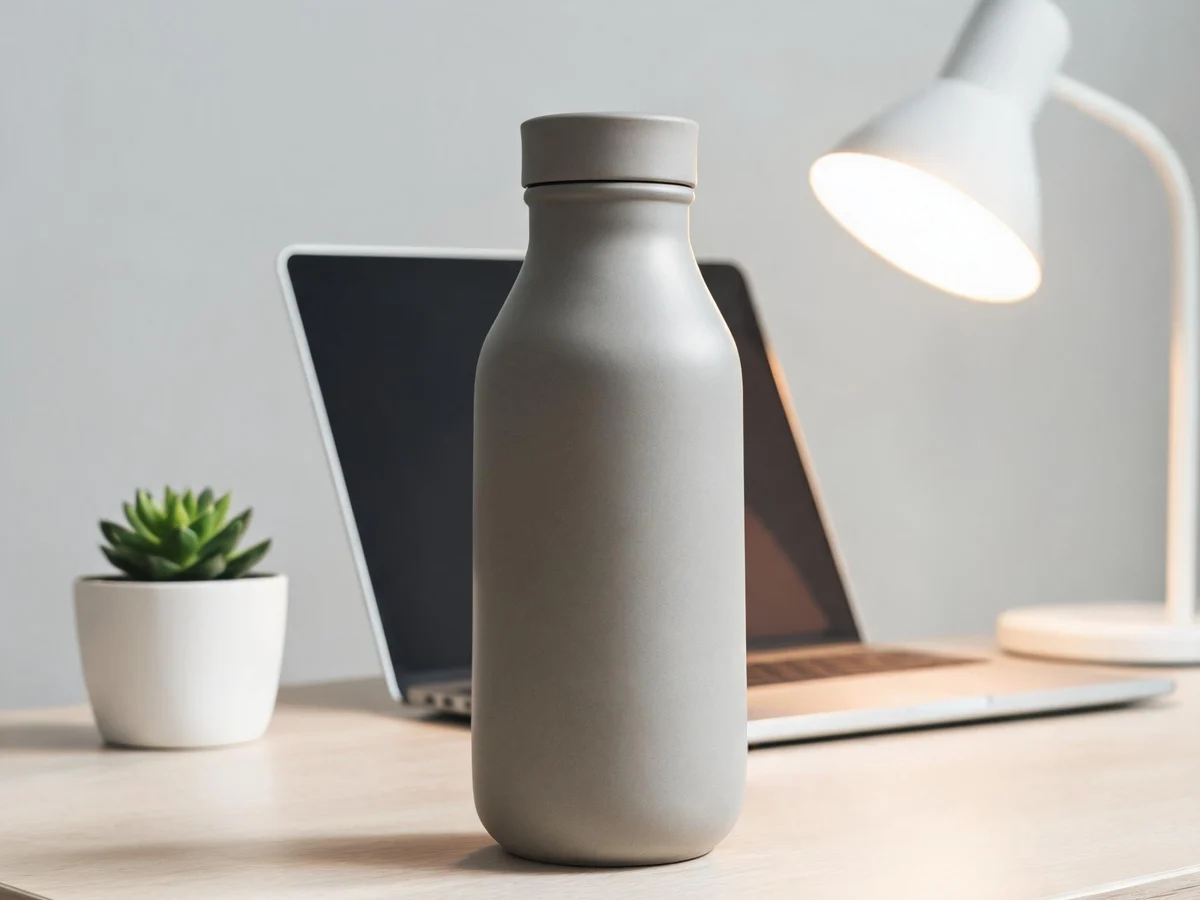
Clean desk with subtle props—for tech and beauty items.
Use in pack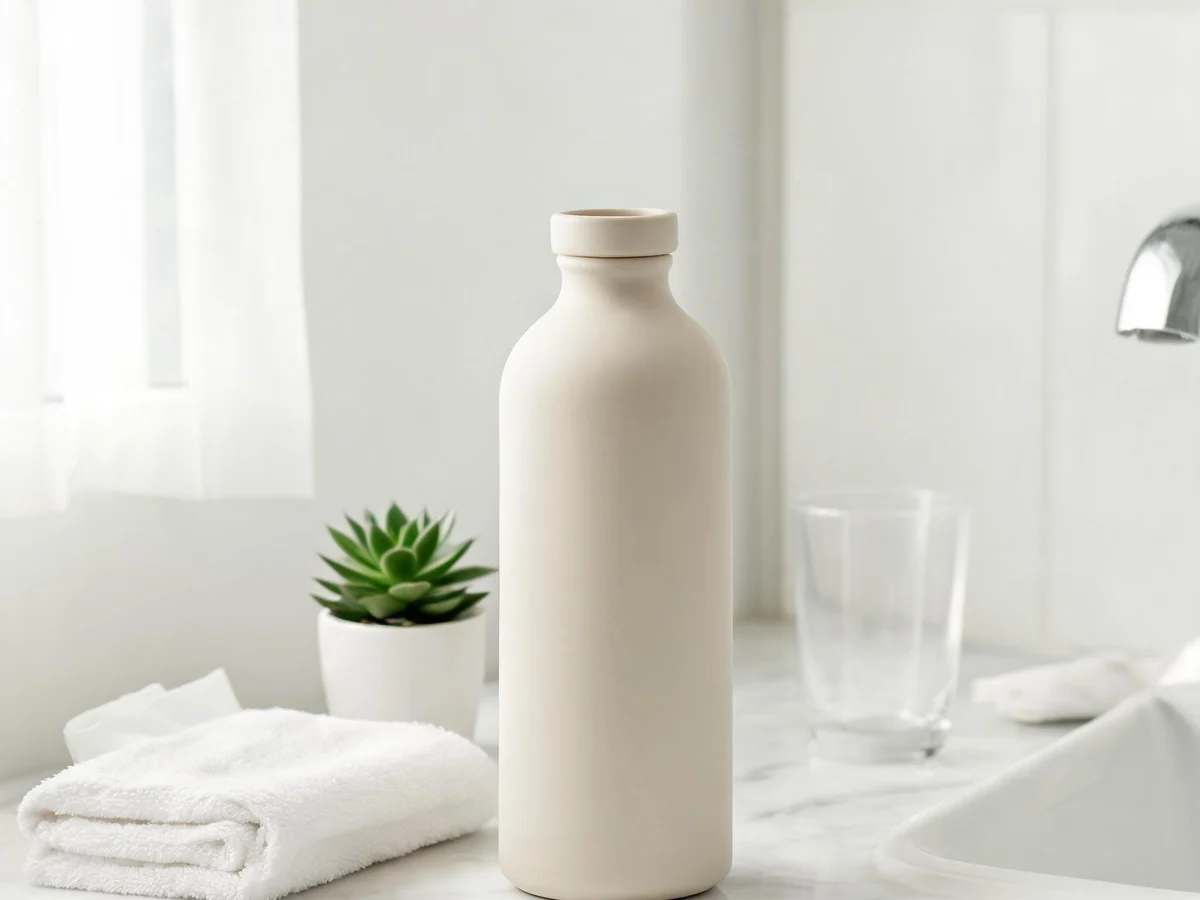
Bright vanity surface—for beauty and personal care.
Use in pack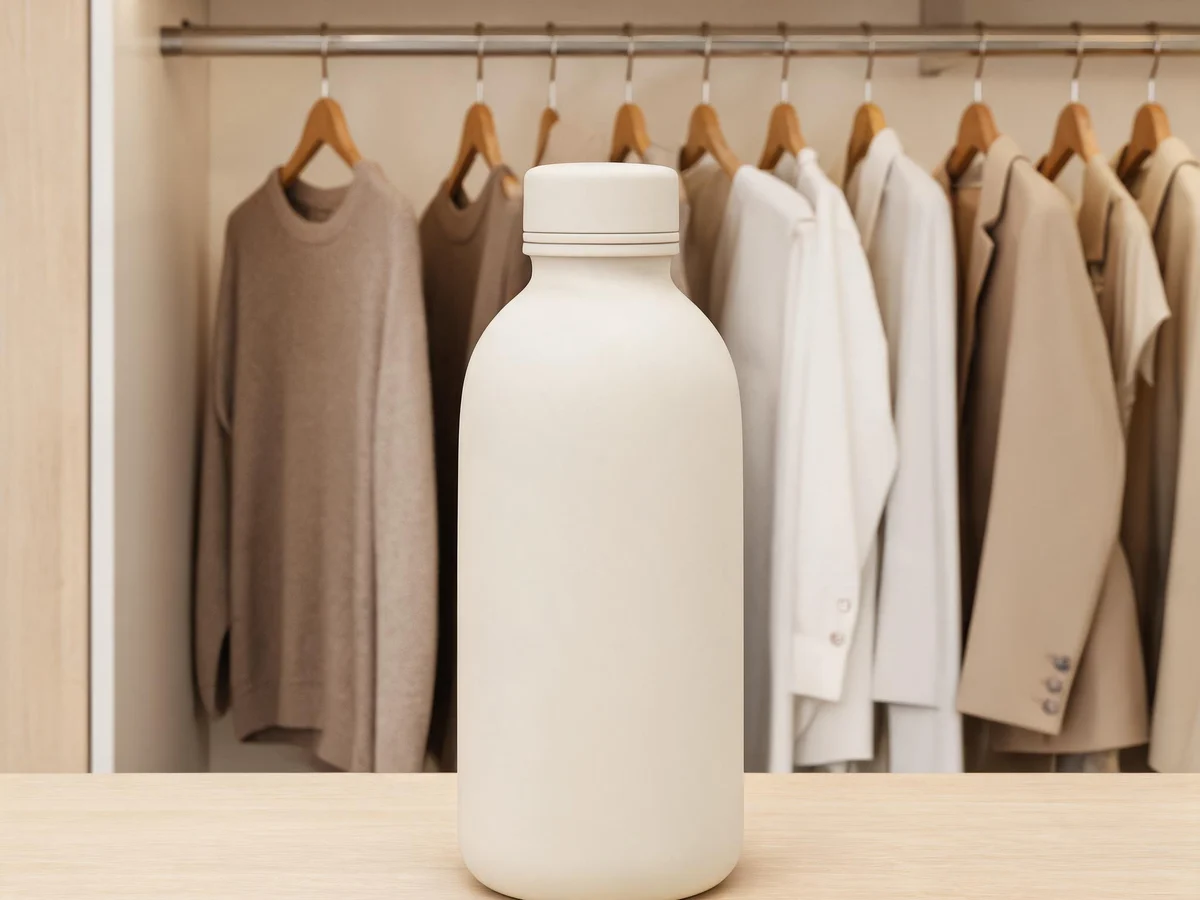
Modern wardrobe setting—great for apparel and accessories.
Use in pack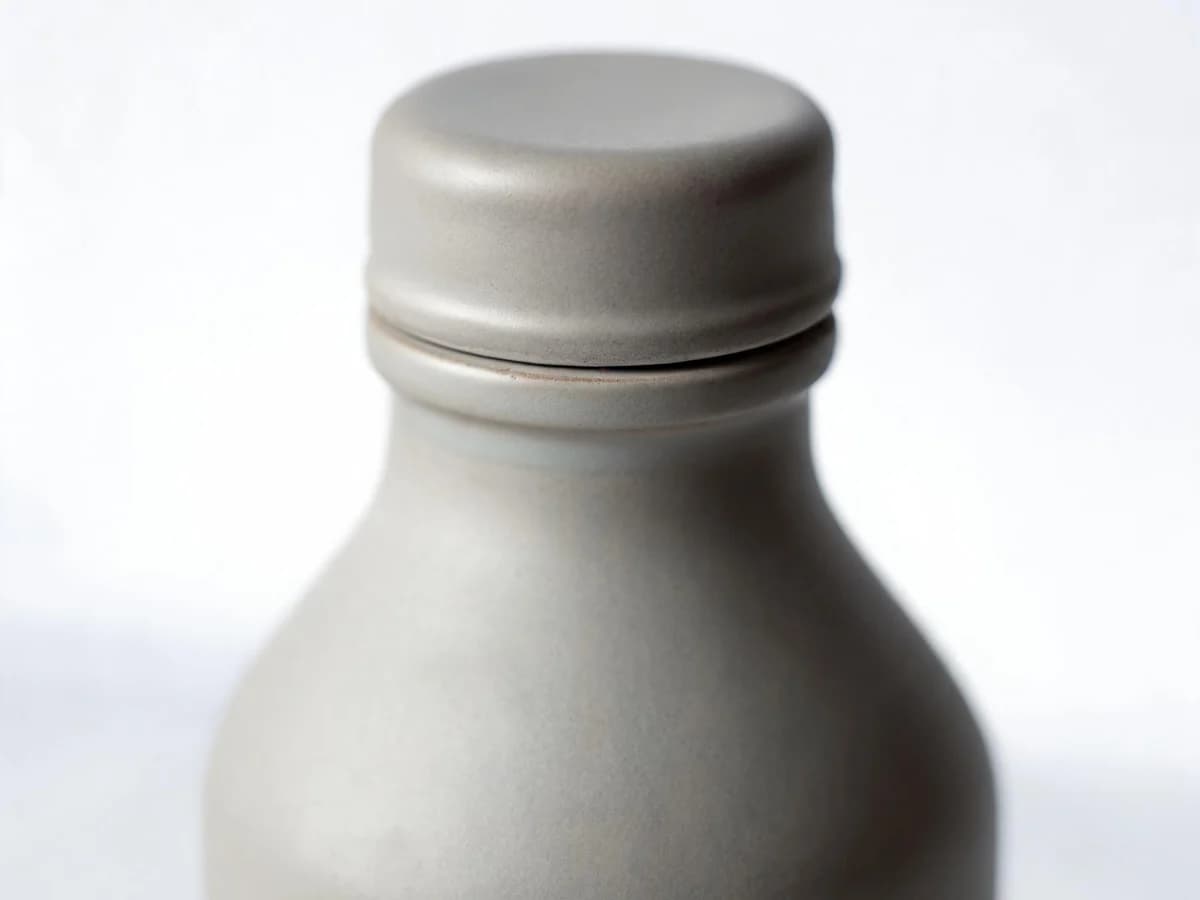
Close-up craftsmanship, edges, hardware, or controls.
Use in pack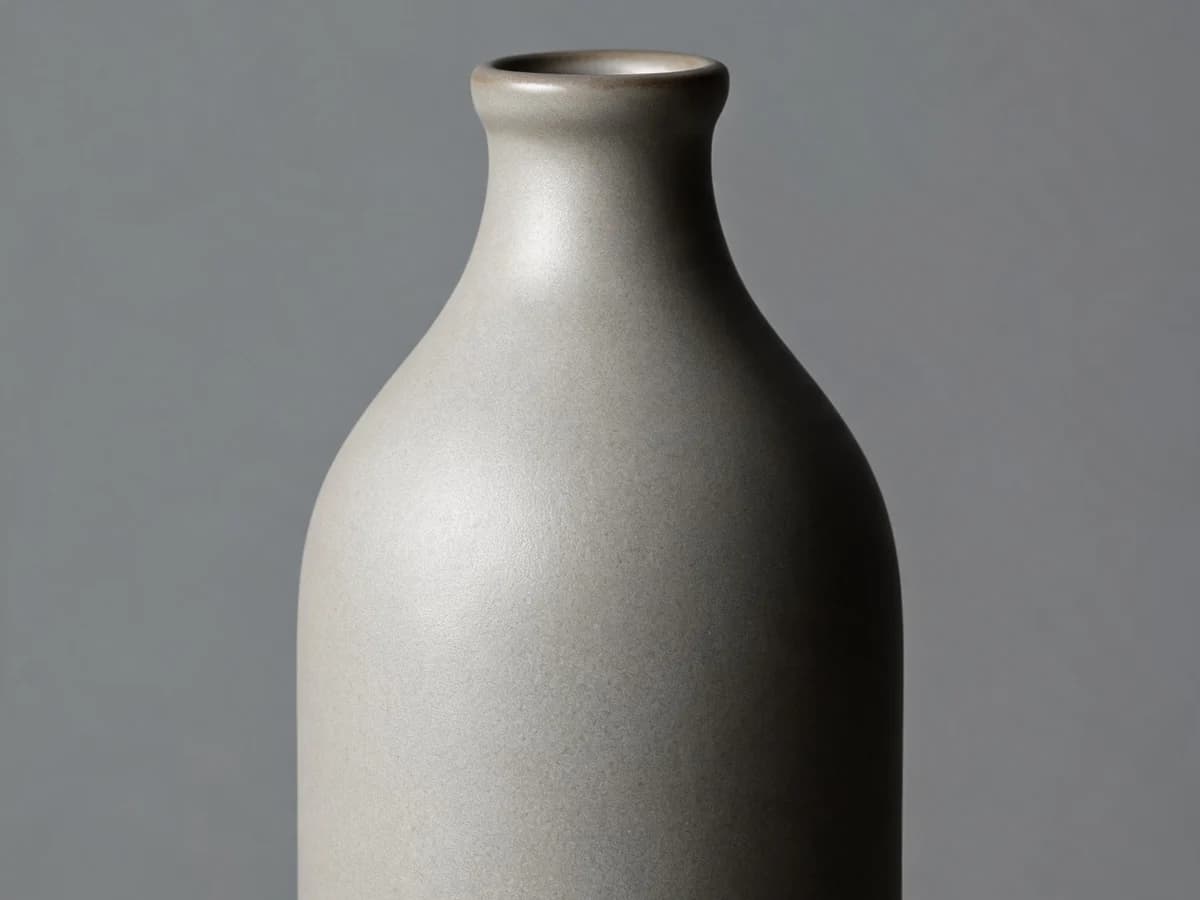
Tactile finish and build quality for shopper trust.
Use in pack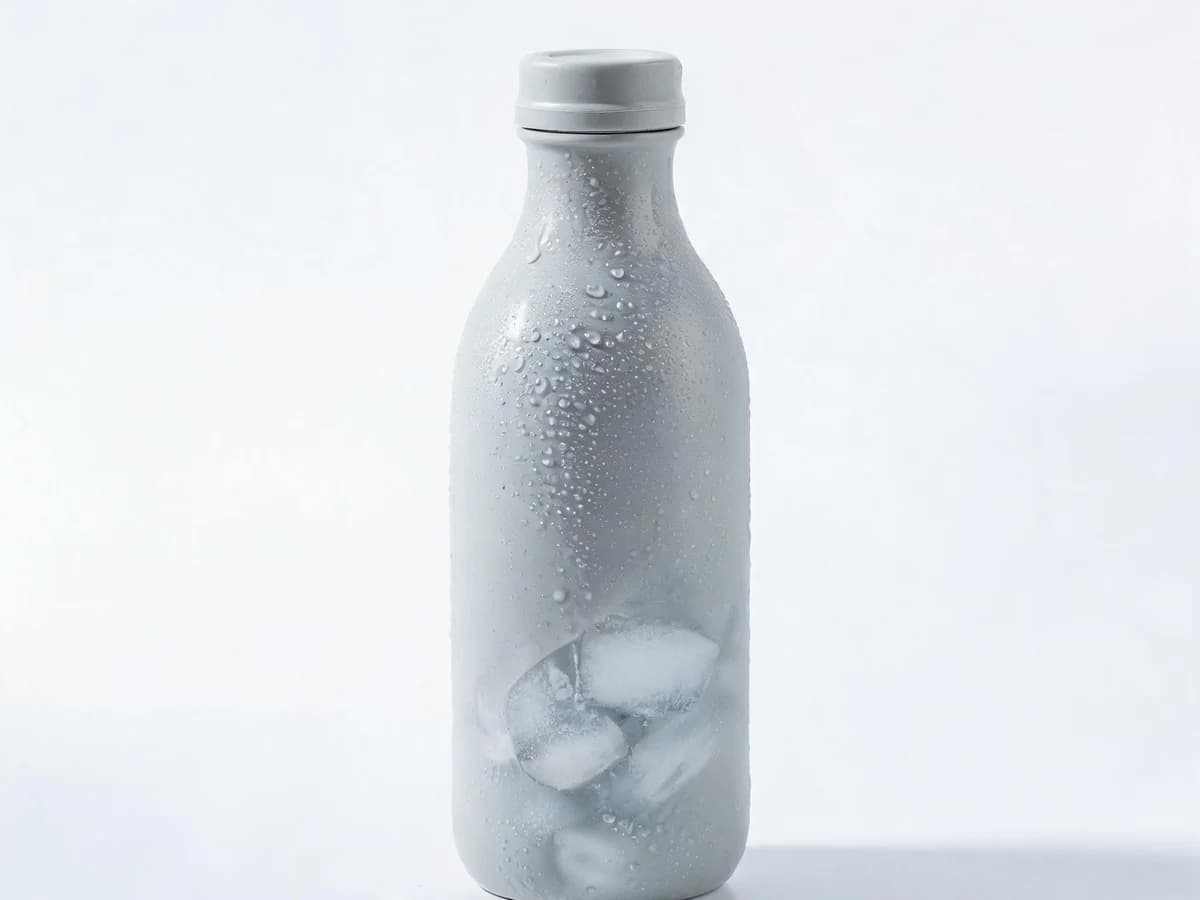
One clear benefit readable at a glance.
Use in pack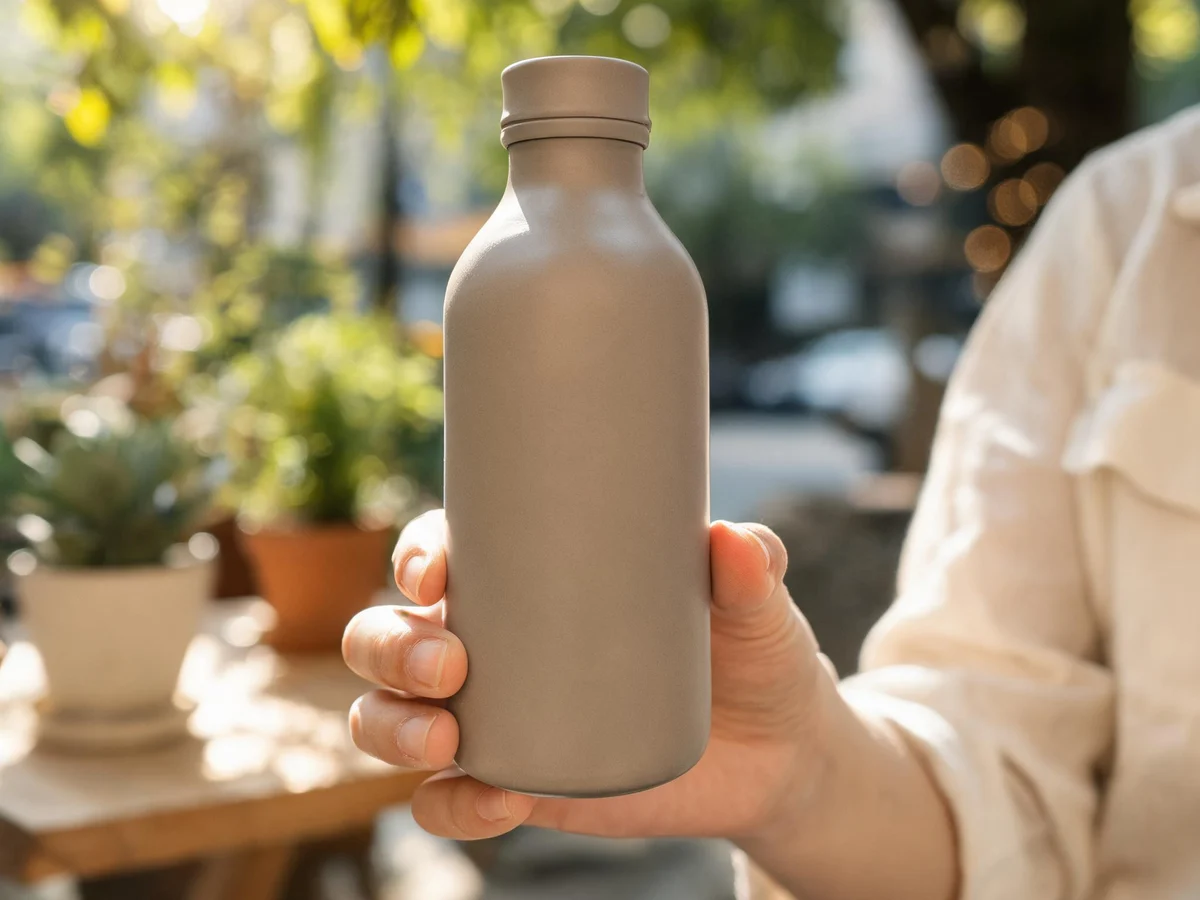
High-attraction discovery energy with a clear product hero.
Use in pack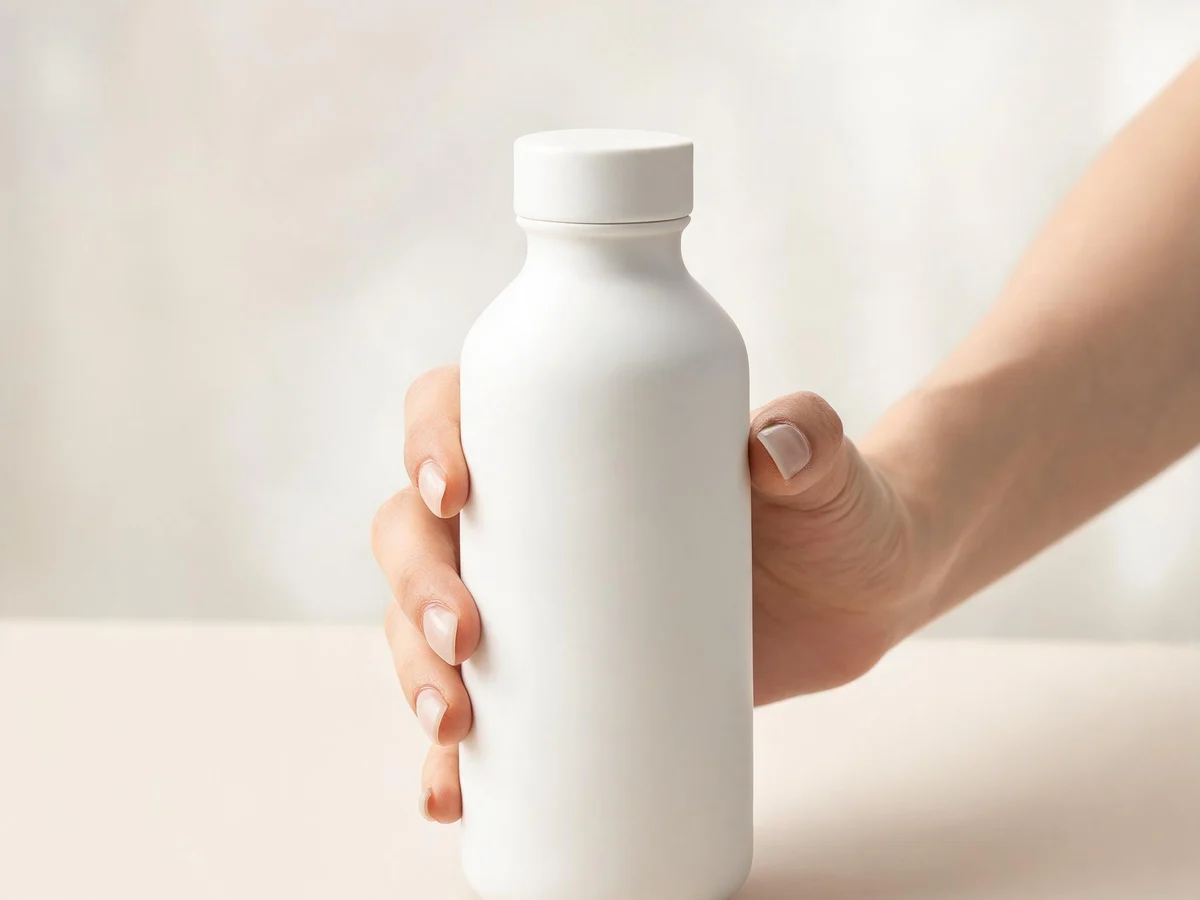
Help shoppers judge size and proportion in context.
Use in packYou open the commerce listing kit wizard with that scene applied to the first lifestyle slot. Sign in if needed—you can still change scenes per slot before generating.
No. Preview images show the environment with a generic bottle for illustration only. Your uploaded product becomes the hero when you generate.
Yes. Listing kits assign scenes per slot. Start from one preset, then adjust others in the wizard.
No. Styles control art direction (Ghibli, Brand-safe, etc.). Scenes control the product environment for commerce packs.