Shape-matched characters
Matches character shapes to your image, not just brightness—sharper edges and contours.

Free browser tool
Upload a photo, adjust detail and style, then copy text or download a PNG—processed entirely in your browser. Free, private, no signup.
Structure-aware matching keeps edges and contours sharp—so portraits and logos stay readable instead of muddy.
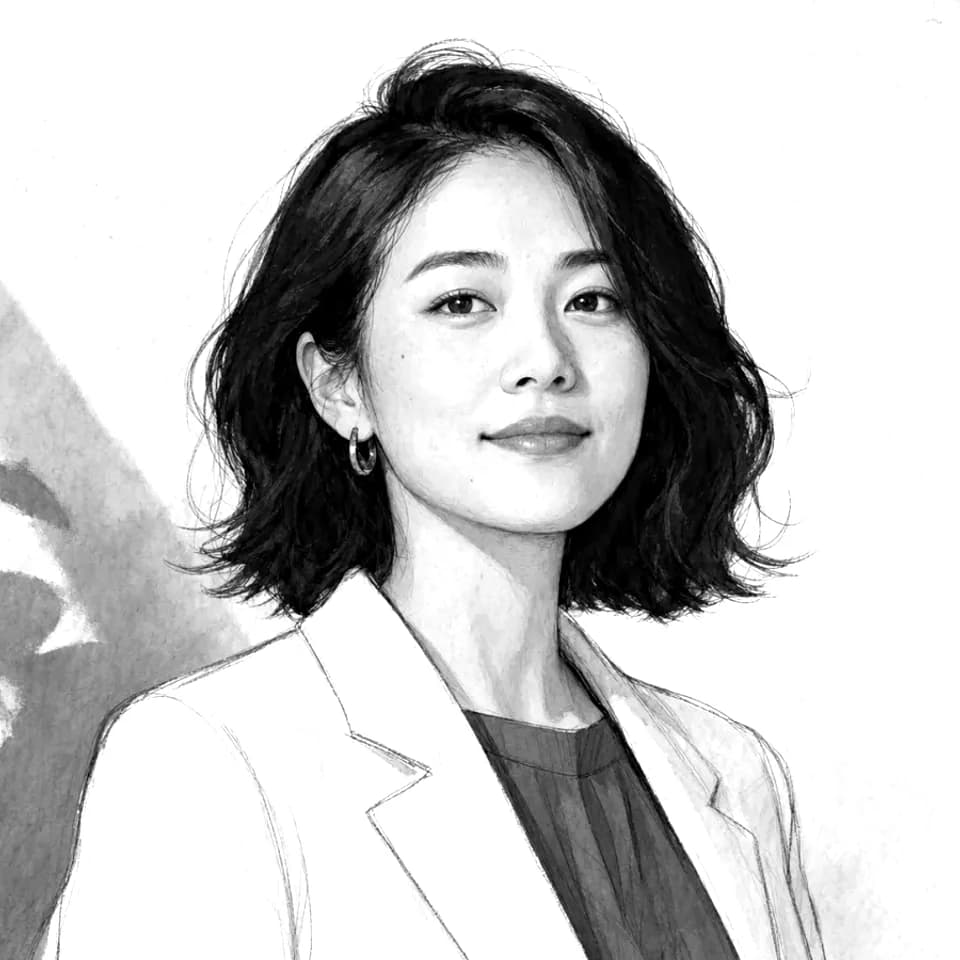
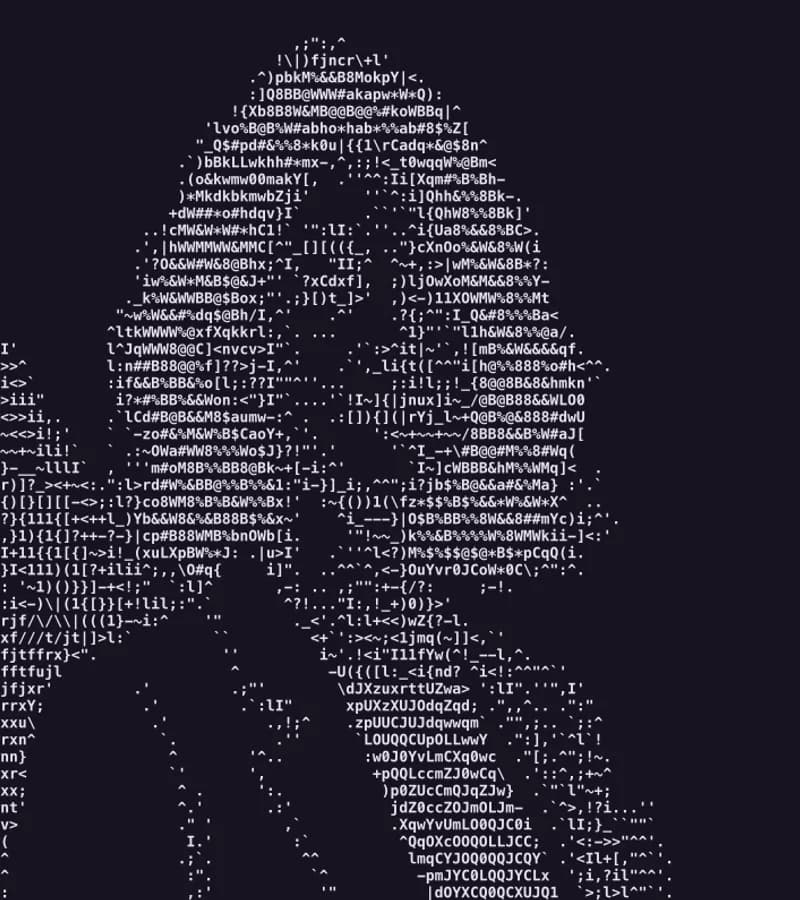
Drag and drop or click to browse—JPG, PNG, or WebP. Nothing is uploaded to a server.
Pick a renderer and character set, then tune width, contrast, and edge strength.
Watch the ASCII output update as you change settings.
Copy the text art or export a PNG up to 4× for sharing.
Matches character shapes to your image, not just brightness—sharper edges and contours.
Preserves diagonals and curves that brightness-only converters turn to mush.
What you see in preview is exactly what you get when you copy text or download PNG.
Use the Detailed character set and raise edge influence for clearer eyes and hairlines.
Choose Blocks for clean silhouettes and high contrast.
Boost contrast so lines and text stay readable as characters.
Export as PNG at 2× or 3× for posts and banners.
Supports JPG, PNG, and WebP. Export as plain text, HTML <pre>, Markdown code fence, or PNG (up to 4×). Color sampling and dark, light, or transparent backgrounds are available. Processing stays on your device.
Upload a JPG, PNG, or WebP, pick a style preset or tune settings, then copy text / HTML / Markdown or download a PNG. Everything runs in your browser.
Yes—it is free to use with no account, no credits, and no watermark. Open the tool and convert immediately.
No. Conversion runs entirely in your browser. Your image never leaves your device for this tool.
JPG, PNG, and WebP for input. You can copy ASCII as plain text, HTML, or Markdown, or export a PNG at up to 4× scale.
Yes. Download a PNG with dark, light, or transparent background, scaled up to 4× for sharper sharing.
Yes. Copy HTML for a ready <pre> snippet, or copy Markdown for a fenced code block that works in GitHub READMEs.
It matches real character shapes and edges—not only average brightness—so contours stay sharper on portraits and logos. Preview and export use the same glyph grid.
Photos with a clear subject, readable silhouette, and decent contrast work best. Crop busy backgrounds before converting when possible.
GUIDE
A practical walkthrough of source prep and every studio control—so portraits, logos, and exports stay sharp instead of muddy.
Read the image-to-ASCII guideNEXT STEP
Generate art, product shots, or storybook pages in PiPiPix, then bring the result here for ASCII export—same brand, from idea to text art.
Open AI Workspace