
PipiPix
The AI Commerce Platform for Modern Brands.
Create, manage and automate every product visual from one AI-powered workspace.
150 credits after email verification · Standard successful images use 10 credits each · No card required

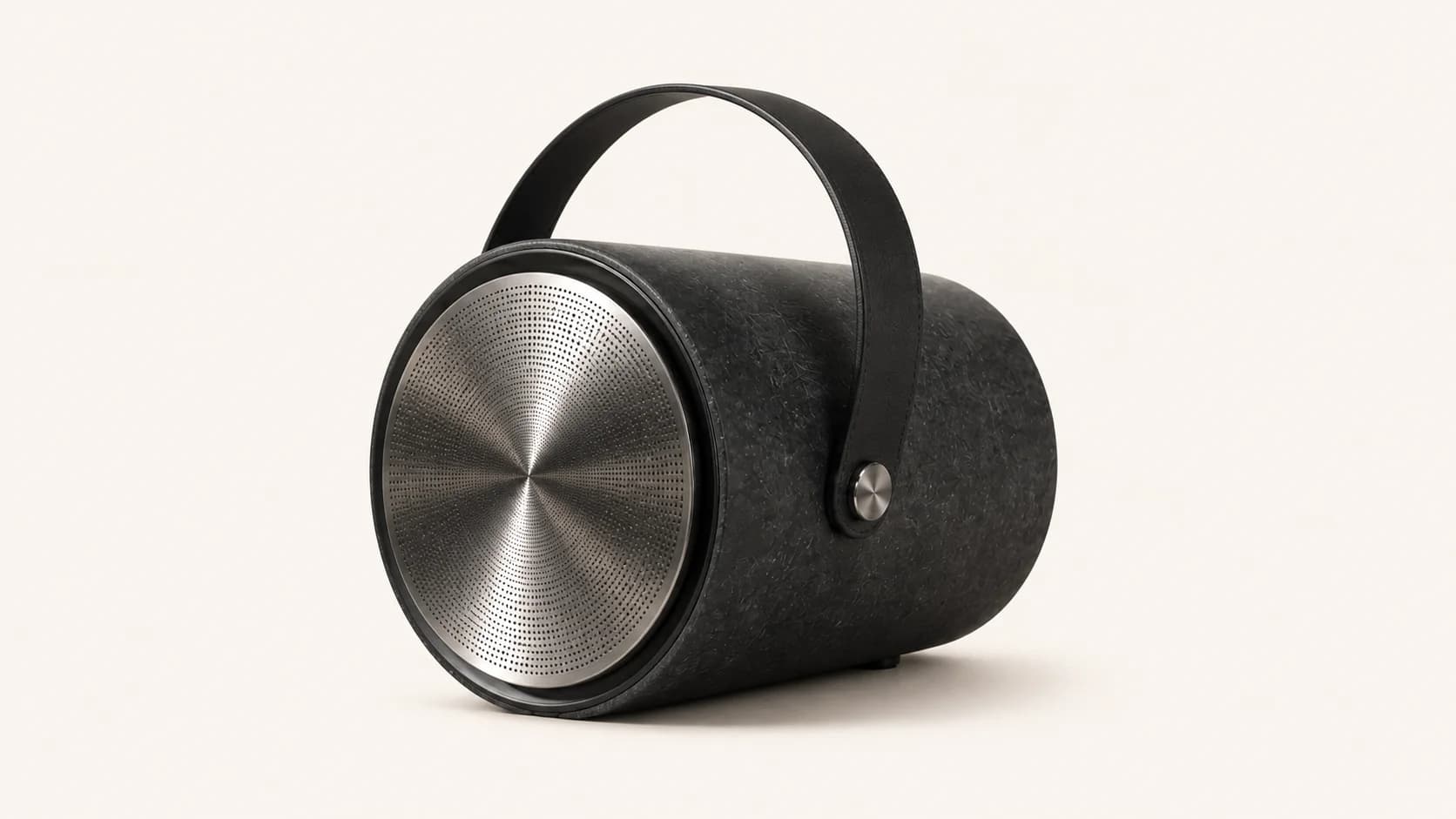


Built for these creative outcomes
Start from the result you need and choose the closest project path.
Product listing kits
Use one product direction to create main, detail, lifestyle, and promotional visuals without losing the project context.
Start with this workflow →02MarketersMarketing campaigns
Explore concepts, generate channel-ready variants, and keep the strongest outputs organized for the next campaign.
Start with this workflow →03Content teamsVisual storyboards
Plan the visual idea, create connected frames and crops, and keep reusable results organized for future publishing cycles.
Start with this workflow →Create once. Show up everywhere.
Carry a coherent visual direction into the real places your audience sees it—without turning every format into a separate creative restart.


How it works
How commerce content moves
Powered by an AI visual workspace, automation pipelines, and commerce agents.
- 01Brief
Pick a delivery scene
Publishing, social marketing, or a marketplace recipe—each entry opens with sensible defaults.
- 02Results
Run inside one project
Pages, batches, and retries stay in the same project with visible progress—no restarting from scratch.
- 03Library
Hand off from Library
Successful runs archive automatically. Download, reuse in the next project, or publish to Community.

Commercial project demonstrations
Product demoTea launch campaign
A consistent pack and art direction across the launch key visual, material details, and social formats.
These examples explain workflows and deliverable structure without invented brands, customers, or performance results.
Use the matching workflow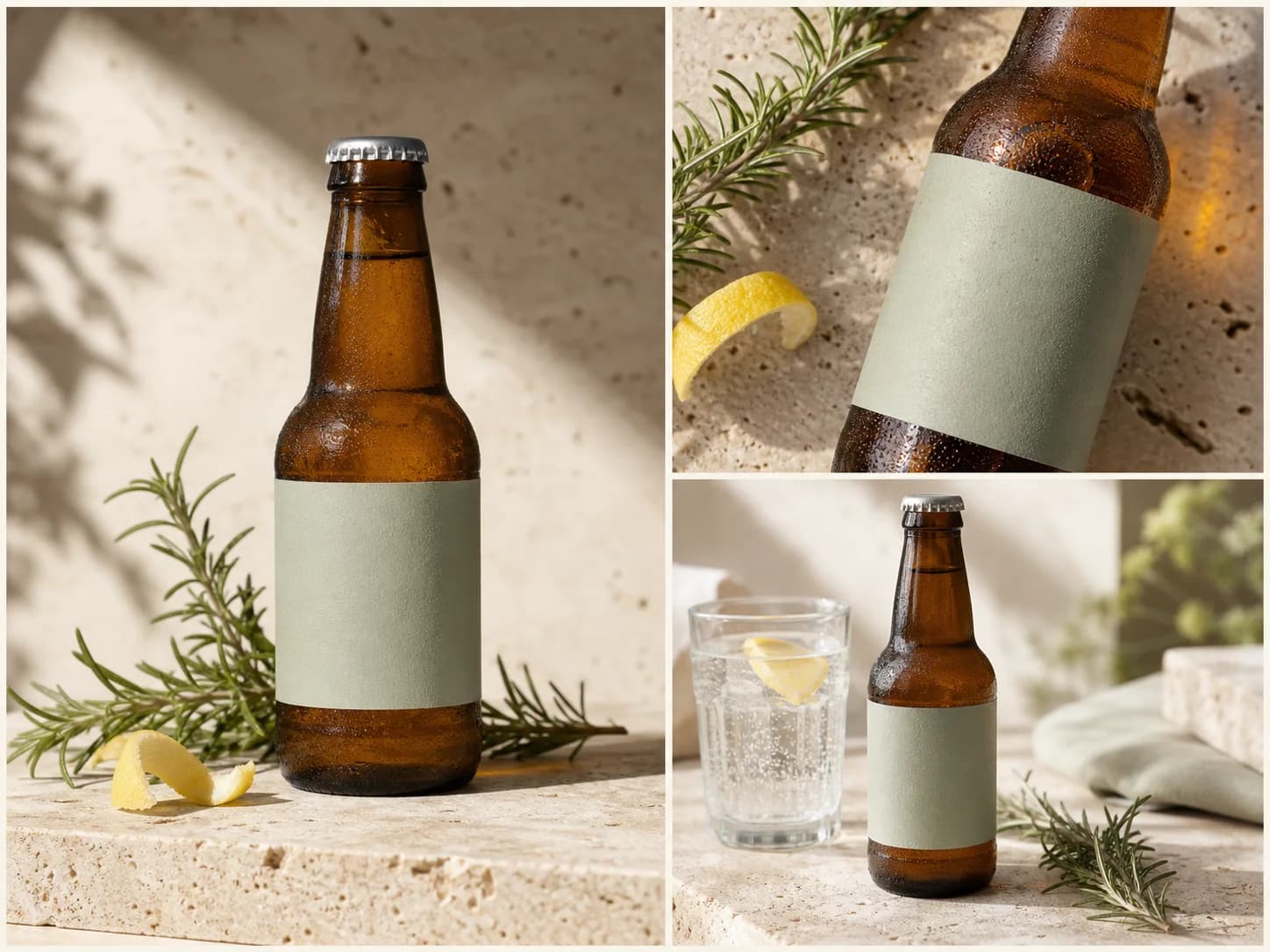
Start Free
Enter Workspace.
- 150 free credits
- No card required
- Download selected result
Common questions
Who is PiPiPix built for?
PiPiPix is designed for small brands, marketers, e-commerce sellers, content teams, and independent creators who need more than an isolated image.
What does a project contain today?
A project keeps the creative brief, generation tasks, generated variants, and successful outputs connected. Team permissions, comments, and approval workflows are not part of the current product.
How do projects and Library work together?
Use Workspace to start and continue image, batch, commerce, or illustrated-book work. Successful outputs remain available in Library for download and reuse.
How do the 150 free credits work?
Email-verified free accounts receive 15 main credits. A standard successful single-image generation uses 1 main credit. Other workflows can have different credit behavior shown inside the product.
Are failed image generations charged?
Standard image credits are consumed after successful completion. If a generation fails before delivery, it should not consume the success-based image credit.
Can I use generated work commercially?
Usage depends on your plan, inputs, and the applicable service terms. Review the current Terms before publishing or using generated work commercially.
Start Free
Enter Workspace.
Create, manage and automate every product visual from one AI-powered workspace—no card required.